The 55gan app is available for Android and iOS. Install for free, log in with your account, and have sports betting, bingo, slots, and much more at your fingertips — with withdrawal via Pix directly in the app.
55gan App — Android and iOS
Whatever phone you have, 55gan has a version for you. The app was built to run smoothly even on mid-range devices, without freezing or draining your battery unnecessarily.
Minimum version: Android 6.0 (Marshmallow) or higher
The 55gan APK for Android is installed directly on your phone, without depending on an app store. The process is simple, fast, and does not require unnecessary permissions on your device.
Minimum version: iOS 13.0 or higher
On iPhone, the 55gan app offers the same complete experience as the Android version — smooth interface, fast loading, and access to all platform features, including deposit and withdrawal via Pix.
To install the 55gan APK on Android, you may need to enable the option "Allow installation from unknown sources" in your device settings. This is a standard step for apps distributed outside the Play Store and poses no risk — the file goes through a security check before being made available.
55gan app installation on Android — step by step
Install the app from 55gan on Android is straightforward. Unlike some apps that require a complicated sign-up before you even see the home screen, the process here is direct: download, install, and you're in. See the full step-by-step guide below.
Open Chrome, Firefox or your Android's default browser and go to the 55gan website. Make sure you are on the official address to ensure you are downloading the correct file.
The APK file download will start automatically. Depending on your connection, the approximately 48 MB file takes only a few seconds to download completely.
If this is the first time you're installing an APK outside the Play Store, Android will ask for permission. Go to Settings > Security > Unknown sources and enable the permission for your browser or file manager.
Open your phone's Downloads folder, tap the 55gan file and confirm the installation. The process takes less than a minute on most devices.
After installation, the 55gan icon will appear on your home screen. Tap to open, sign in with your email and password (or register for free) and enjoy all available games.
The app from 55gan updates automatically. When a new version is released, you receive a notification inside the app itself and can update with a single tap — no need to manually download another APK.
The 55gan app was designed to be the most complete version of the platform. It is not a stripped-down app — it is the full experience, optimized for a mobile screen.
Follow games in real time and place bets during the match. Live updated odds, including Brazilian football, international fixtures and other sports.
Access hundreds of slots, including progressive jackpot games. Fast loading even on 4G, with graphics optimized for mobile.
Join live bingo rooms, buy cards, and cheer for your numbers in real time. The most complete bingo experience available in an app in Brazil.
Deposit and withdraw in seconds using your Pix key. No currency conversion, no extra fees. Everything in BRL, directly to your bank account.
Receive alerts for exclusive promotions, limited-time bonuses, betting results, and available jackpots before they run out.
On iOS, use Face ID or Touch ID. On Android, use your device's fingerprint reader. Fast and secure access without having to type your password every time.
Some 55gan offers are available exclusively to app users. That alone makes it worth having the app installed.
The app automatically follows your operating system's theme. If you use dark mode on your phone, 55gan will match it — no eye strain at night.
Reach support directly through the app, in English, 24 hours a day. Integrated chat without needing to leave the app to open another support channel.
Many people think that playing through the mobile browser is the same as using the app. In practice, the experience is quite different — and the app from 55gan has the advantage in almost everything.
The main difference lies in performance. The 55gan was built specifically for mobile devices, which means faster loading, smoother slot animations, and lower data usage compared to accessing the site through a browser. On slower 4G connections, this makes a noticeable difference when spinning a round or watching a live game.
Another advantage is convenience. With the app installed, you access 55gan with one tap from your phone's home screen, without needing to open a browser, type the address, or wait for the entire page to load. For those who regularly bet on soccer and want to get in quickly to place a bet before the match starts, that speed makes a real difference.
Push notifications are another exclusive feature of the app. When 55gan 55gan launches a promotion with a short time window — such as a cashback bonus valid for just a few hours or a slots tournament with extra prizes — app users are the first to know. Through the browser, you only see the offer if you visit the site manually at the right moment.
Security is also superior in the app. In addition to biometric login available on both Android and iOS, the app uses an extra layer of local encryption to protect your session data. Even if someone has access to your unlocked phone, they cannot access your 55gan account without biometrics or your password.
Finally, financial management becomes much simpler. Depositing via Pix, requesting a withdrawal, checking your transaction history, and verifying your bonus balance — all on the same screen, in fewer taps than on desktop. For those who like to stay in control of how much they play and how much they withdraw, the 55gan app 55gan presents this information in a well-organized and easy-to-understand way.
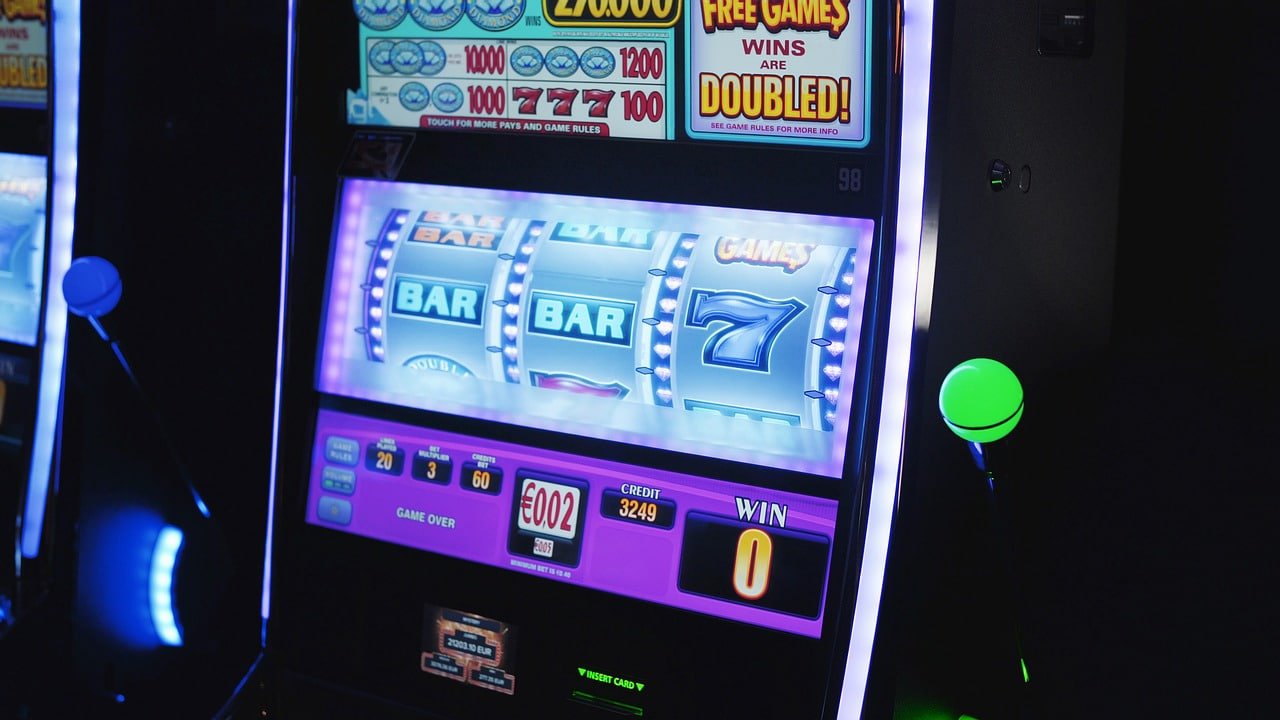
55gan app interface optimized for mobile
App vs Browser — Quick Comparison
| Feature | 55gan App | Browser |
|---|---|---|
| Loading speed | Faster | Standard |
| Push notifications | Yes | No |
| Biometric login | Yes | No |
| Exclusive promotions | Yes | No |
| Data Usage | Smaller | Larger |
| Direct access (no URL typing required) | Yes | No |
55gan app installation on iPhone (iOS)
On iPhone, the installation process for the 55gan is equally simple. Since Apple has specific restrictions on distributing apps outside the App Store, 55gan makes the iOS installer available via a direct link compatible with Apple's policies. Here's how to do it:
Use Safari — the iPhone's native browser. Other browsers like Chrome may have limitations when installing apps via direct link on iOS.
When you tap the iOS download button, the system will begin the installation process via a configuration profile or redirect to TestFlight, depending on the version available at the time.
If the message "Profile downloaded" appears, go to Settings > General > VPN & Device Management and tap "Install". This is a standard Apple step for apps outside the App Store.
After installation, you may need to go to Settings > General > VPN & Device Management and tap "Trust" on the developer name so the app opens normally.
On first launch, 55gan will suggest enabling biometric login. We recommend accepting — it makes access both faster and more secure at the same time.
If the iOS installation link does not work at any point, this may be due to updates in Apple's distribution process. In that case, please contact 55gan support 55gan via the site's live chat — the support team will send you the updated link directly.
The 55gan app runs well on the vast majority of phones currently in use in Brazil. See the minimum and recommended requirements for each platform.
| Item | Minimum | Recommended |
|---|---|---|
| Android Version | 6.0 | 9.0+ |
| RAM | 2 GB | 4 GB+ |
| Free storage | 100 MB | 500 MB+ |
| Connection | 3G | 4G / Wi-Fi |
| Processor | Quad-core 1.4 GHz | Octa-core 2.0 GHz+ |
| Item | Minimum | Recommended |
|---|---|---|
| IOS Version | 13.0 | 16.0+ |
| IPhone Model | IPhone 6s | iPhone 11+ |
| Free storage | 120 MB | 500 MB+ |
| Connection | 3G | 4G / Wi-Fi |
| Biometrics | Optional | Face ID / Touch ID |
Even on more modest phones with 2 GB of RAM and Android 6.0, the app from 55gan runs stably. The platform has been optimized for the average smartphone profile used in Brazil, where many users still rely on mid-range devices from previous generations.
Android or iPhone, the 55gan app is ready for you. Free download, installation in minutes and all platform games in the palm of your hand — with Pix withdrawal directly to your account in BRL.
For users aged 18 and over only | Secure Download | Payments in BRL